How to Surf in This Browser Game
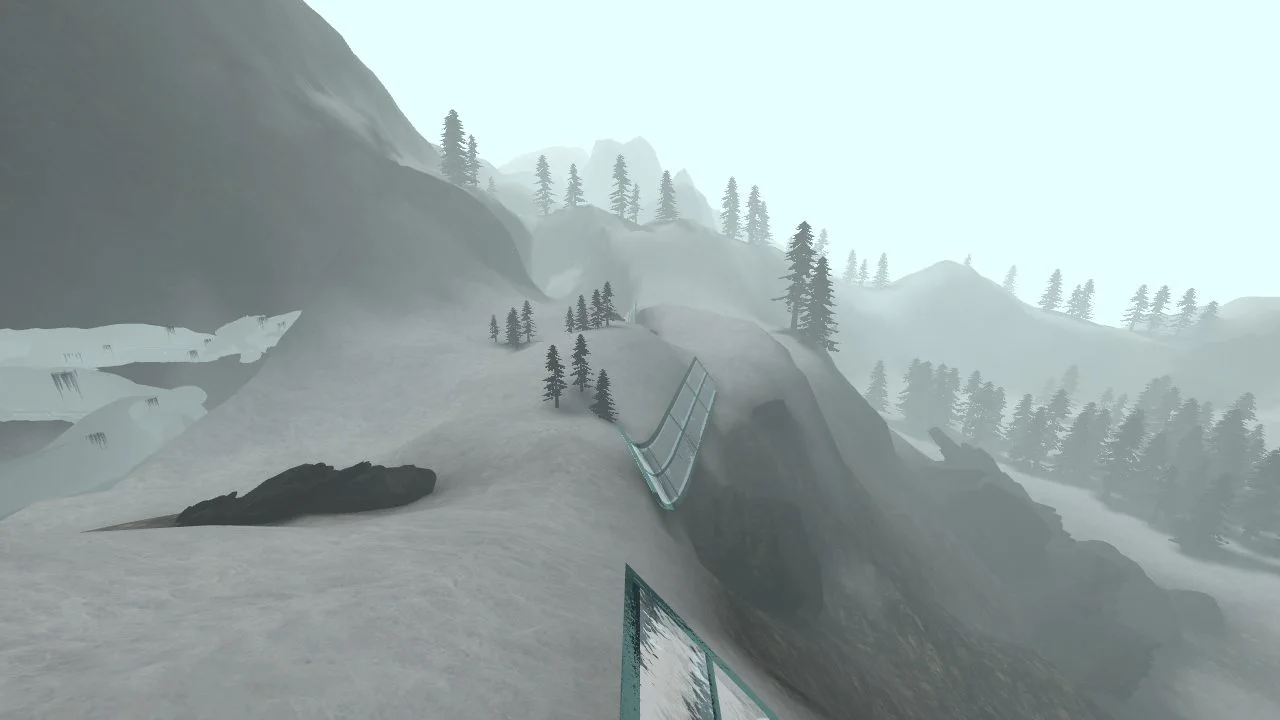
Surfd brings Counter-Strike-style surfing to a standalone browser game. The challenge is to carry speed along sloping ramps, make controlled turns, and reach the finish. It is a movement game, not the full Counter-Strike shooter.
- Open Surfd and choose Solo. Pick a course from the map menu. Boreas is one starting option; use the project’s Practice facility if you want a place to learn movement.
- Click into the game. The game captures your mouse so you can steer. Press Esc when you need your normal pointer back.
- Meet the side of a ramp. Release W while surfing. Hold the strafe key toward the ramp face: A or D depending on which side you are riding.
- Turn smoothly, then try again. Large mouse movements can break your line. Use R to restart after a missed transfer and change one part of your approach.
Surfd Controls and Practice
The default Surfd controls use WASD for movement, the mouse to look, Space or mouse wheel down to jump, C to duck, R to restart, and Esc for the menu. Check Settings if a binding has been changed.
To repeat a difficult section, use the game’s practice tools to save and restore a position. Practice runs are separate from ranked records. Local play does not require signing in. For account access and ranked record submissions, open the original Surfd site.
Start with the line, not the timer. Aim to stay on one ramp and make one clean transfer. Once that feels repeatable, work on carrying more speed.
CS Surf Browser and Device Requirements
Use a current desktop browser with a keyboard and mouse. Surfd draws a 3D world, so graphics acceleration and a working WebGL implementation matter. The first launch downloads game resources; performance depends on your browser, graphics hardware, and connection.
There is no separate desktop installer for Surfd. This does not mean that it downloads no data. On a phone, save the link for a desktop; this guide does not promise touchscreen support.
About Surfd and Its Source
Surfd is an independent project, not an official Valve or Counter-Strike release. Maps and imported assets belong to their creators. The Boreas map is credited to Syncronyze / granis in the project’s terms and credits.
If CS Surf is not loading here, compare it with the original project before changing browser settings. The browser game loading guide covers black screens, mouse capture, and fullscreen issues.