Radiant Optimizer
Browser Games
Browse Radiant Optimizer browser games shared on X. Surf a ramp, survive Kino der Toten, or join a QuakeWorld arena. Pick one to start.
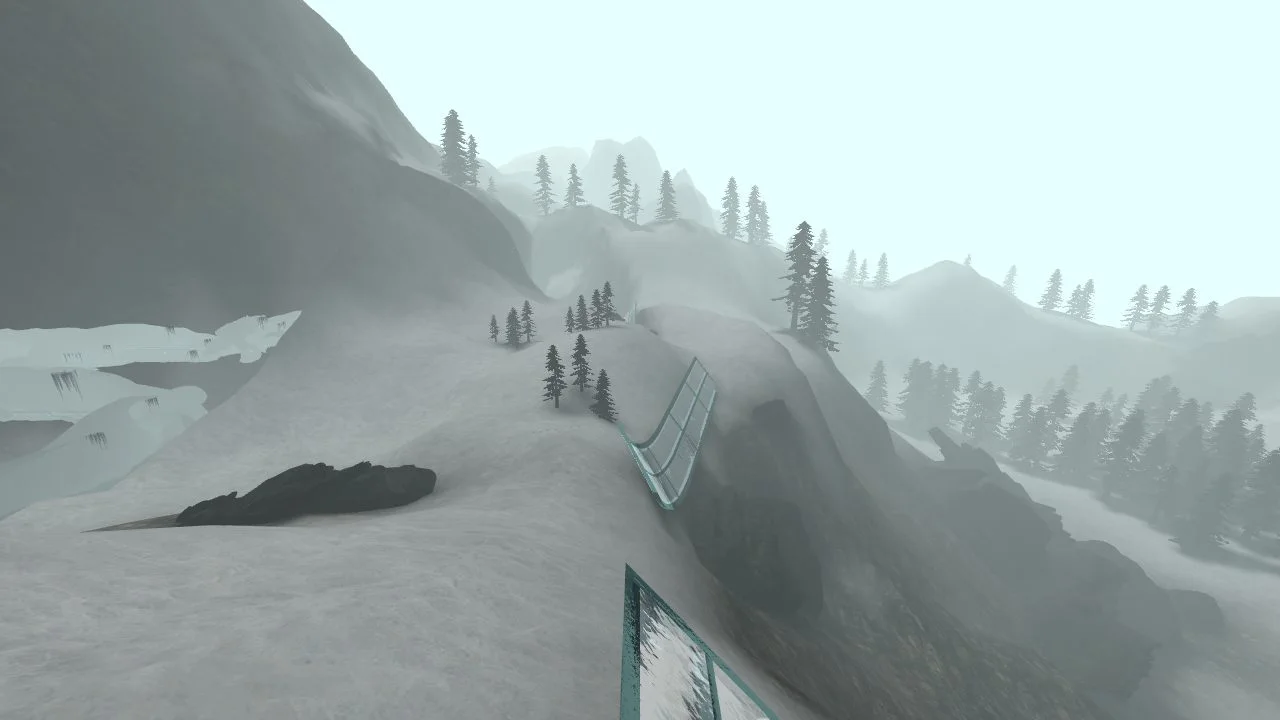
Surfd
Glide across ramps, carry your momentum, and chase a cleaner line. A CS-style surf game built for your browser.
The first launch can take a little longer.
Save this game for your desktop.
Quick controls
On a ramp, release W and hold A or D toward its face. For account features, open the original site.
Radiant Optimizer
Browser Games
Choose a game to launch here, or open its listed destination.
Showing 26 of 26 projects
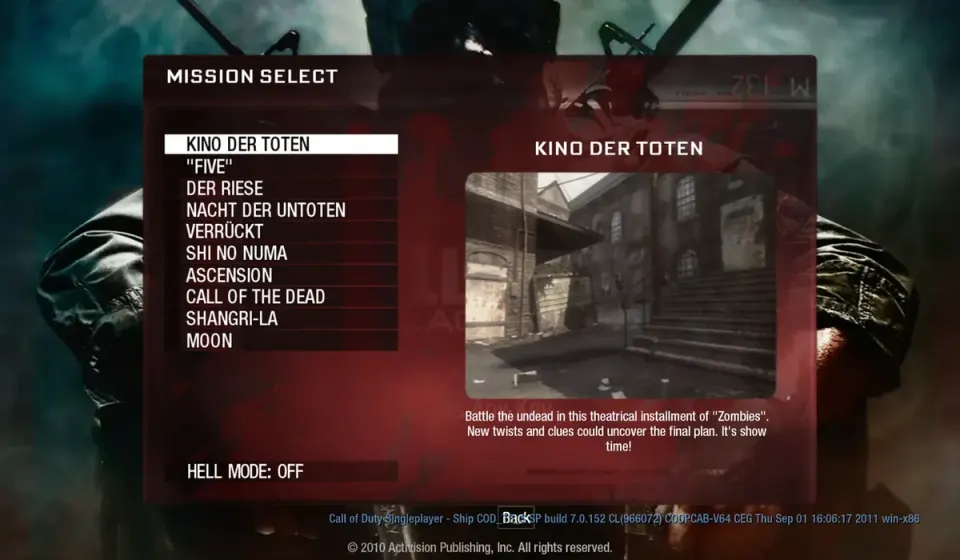
Moon Zombies
Link unavailable
The previous destination no longer points to this game.

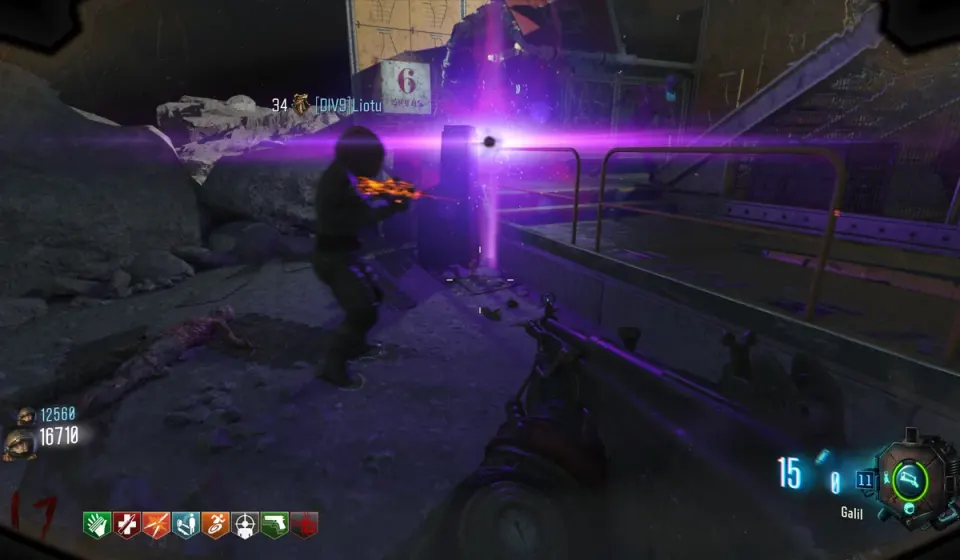
Kino der Toten
Link unavailable
The previous destination no longer points to this game.
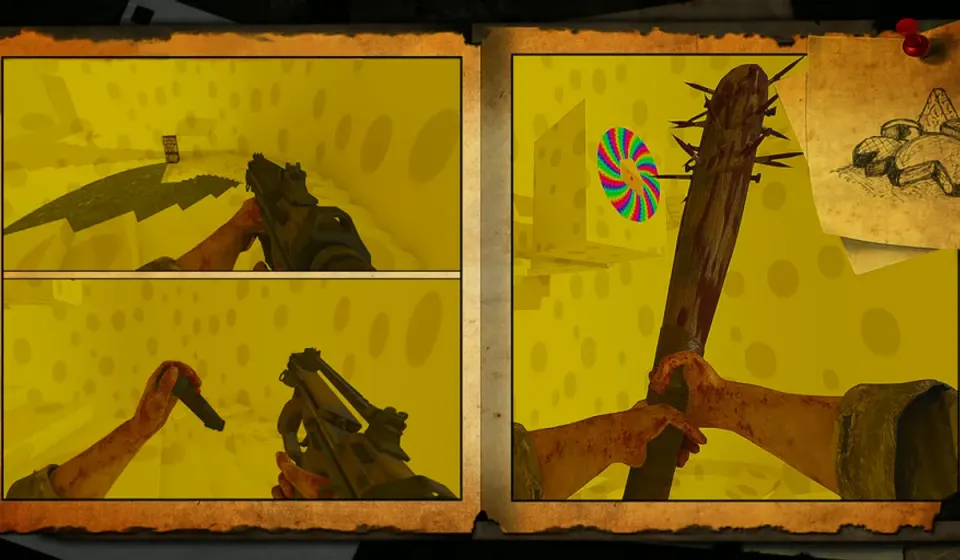
BO3 Cheese Cube
Link unavailable
The previous destination no longer points to this game.

Black Ops 2
Link unavailable
The previous destination no longer points to this game.
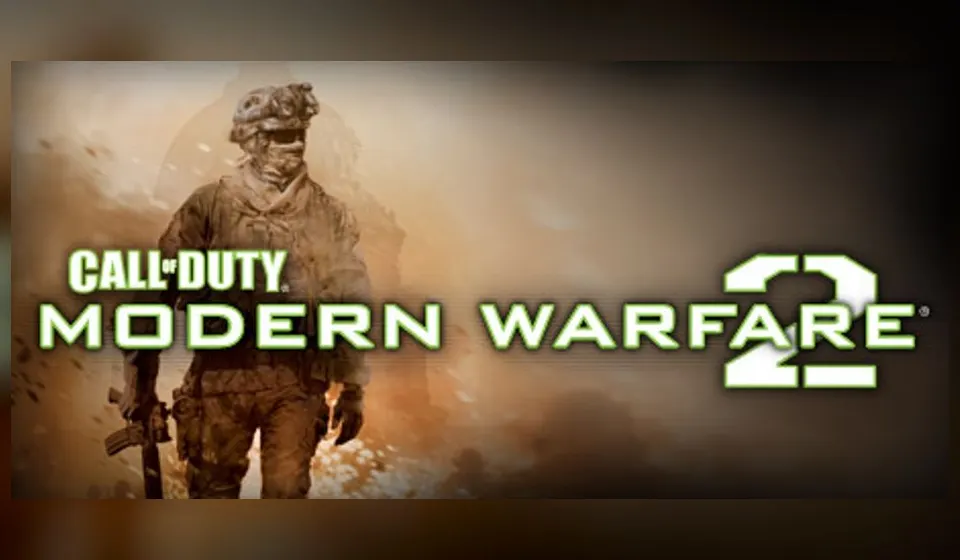
Modern Warfare 2
Link unavailable
The linked destination does not currently match Modern Warfare 2.


Skate Rust
Destination needs correction
The supplied address opened an unrelated storefront, so this card has no game link.
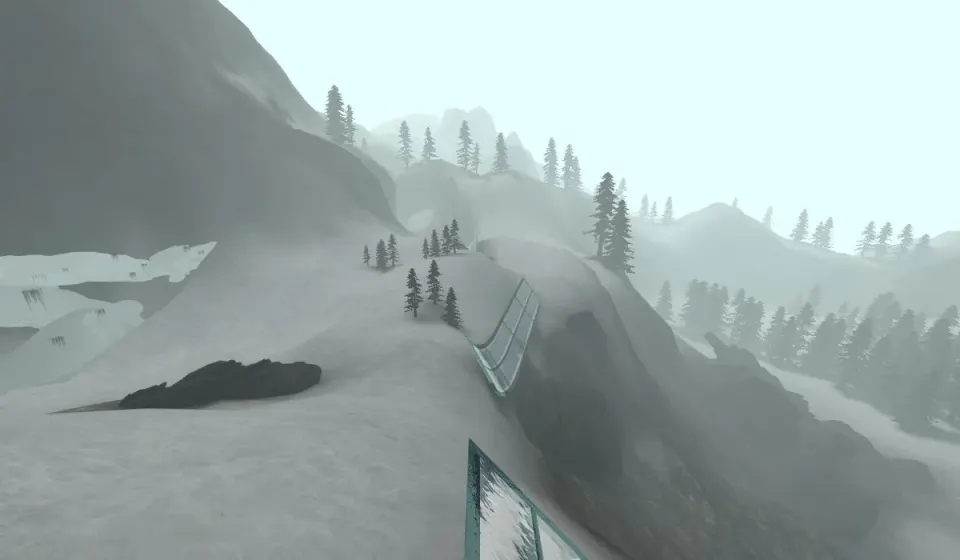
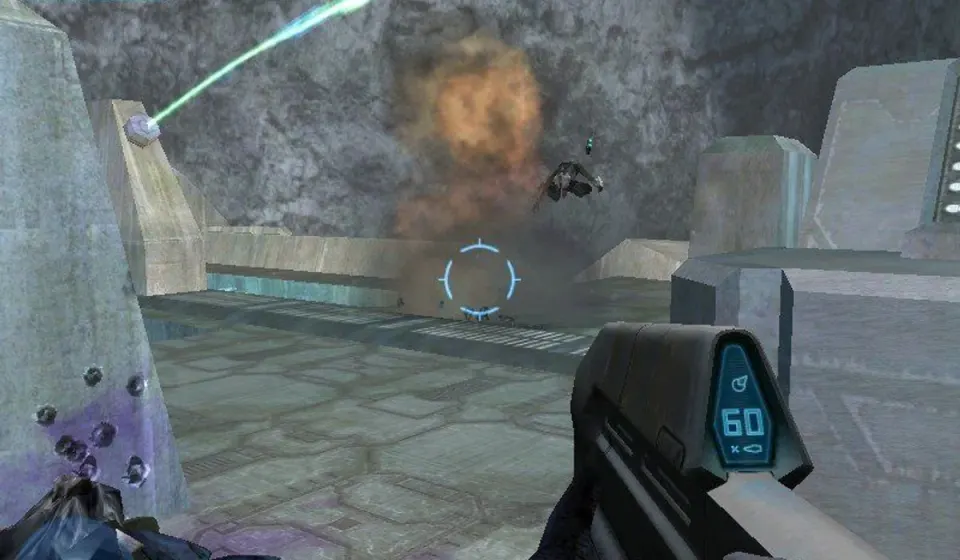
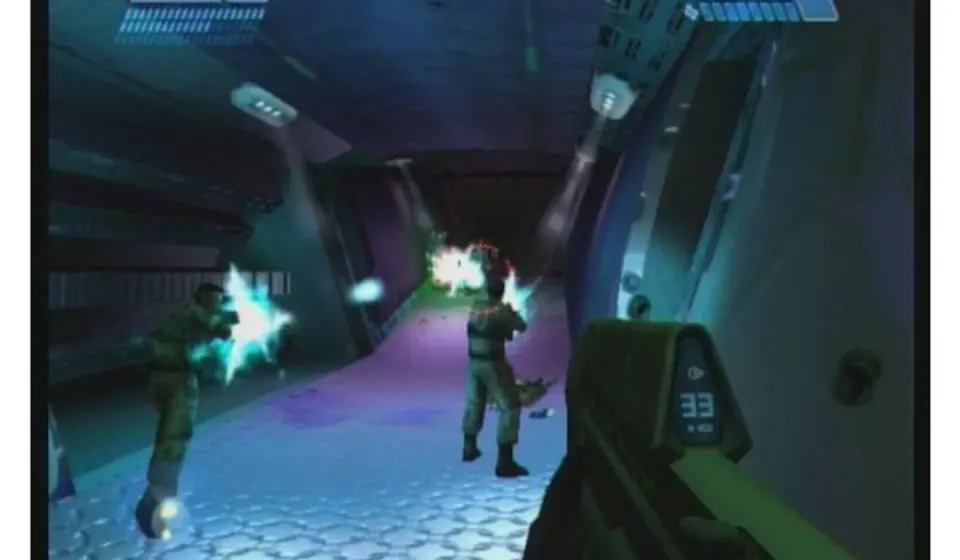
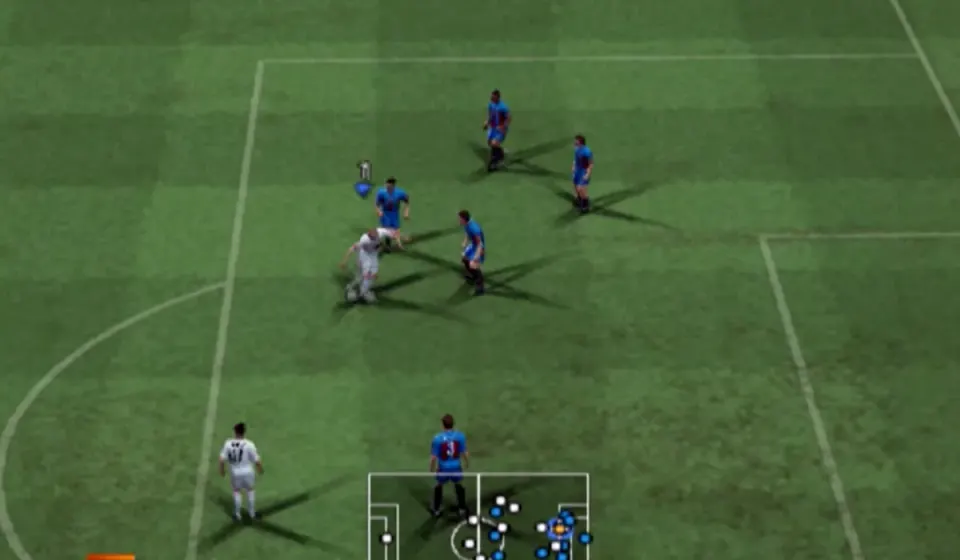
PES 6
Link unavailable
The linked page could not be reached reliably in a current browser.
GTA 5
Archived reference
The previous link was an archived reference, not a playable game.
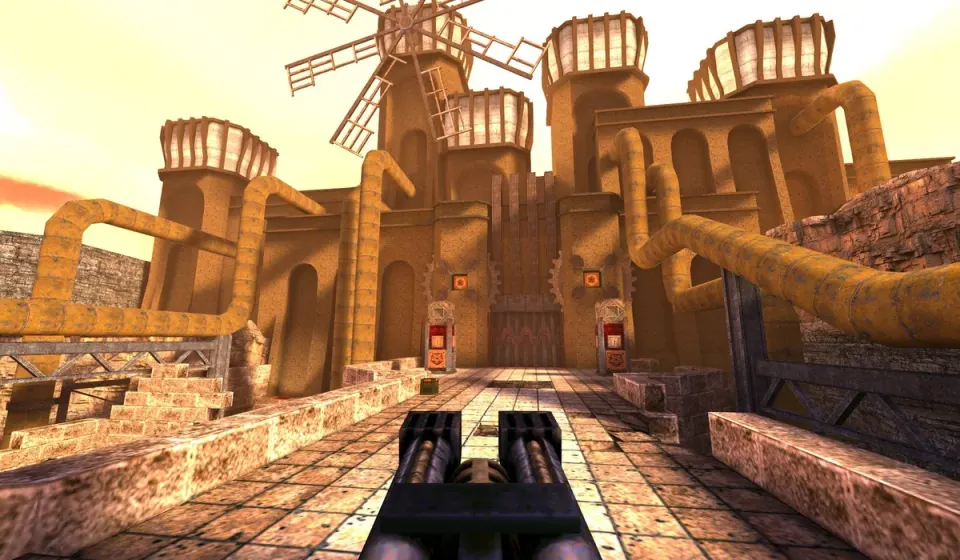
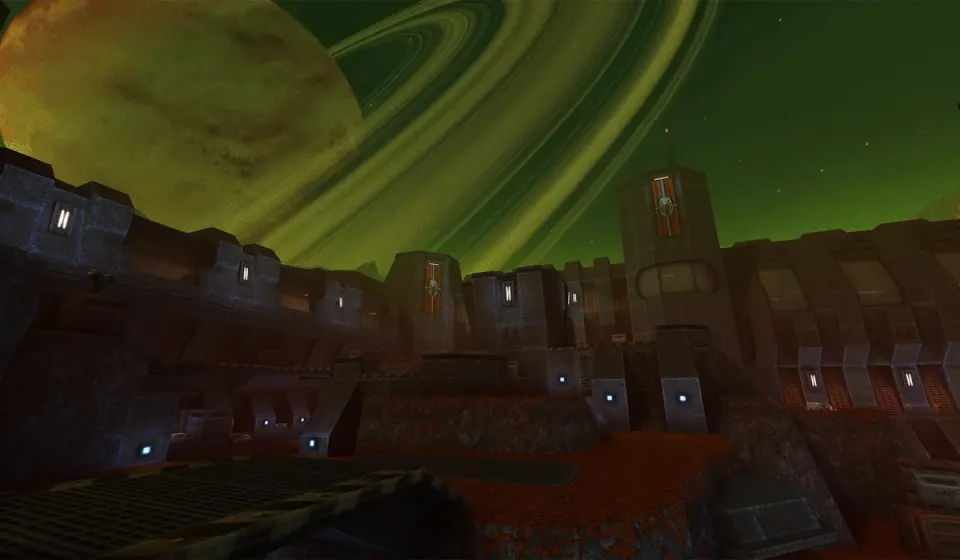
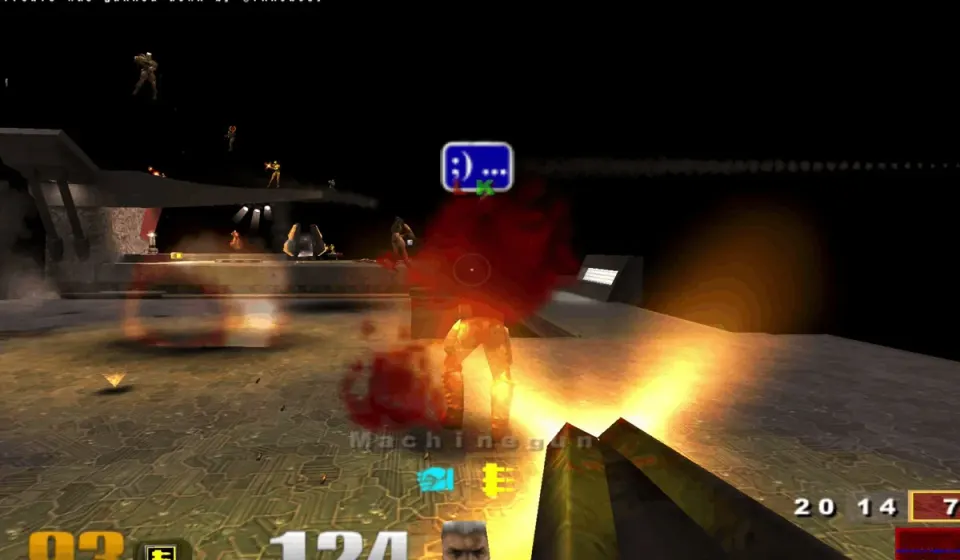
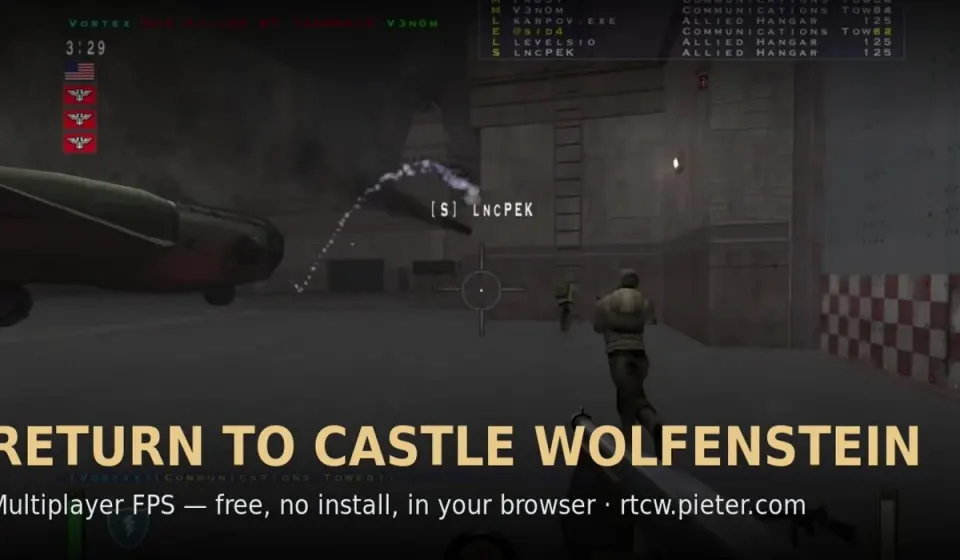
Unreal Tournament
Link unavailable
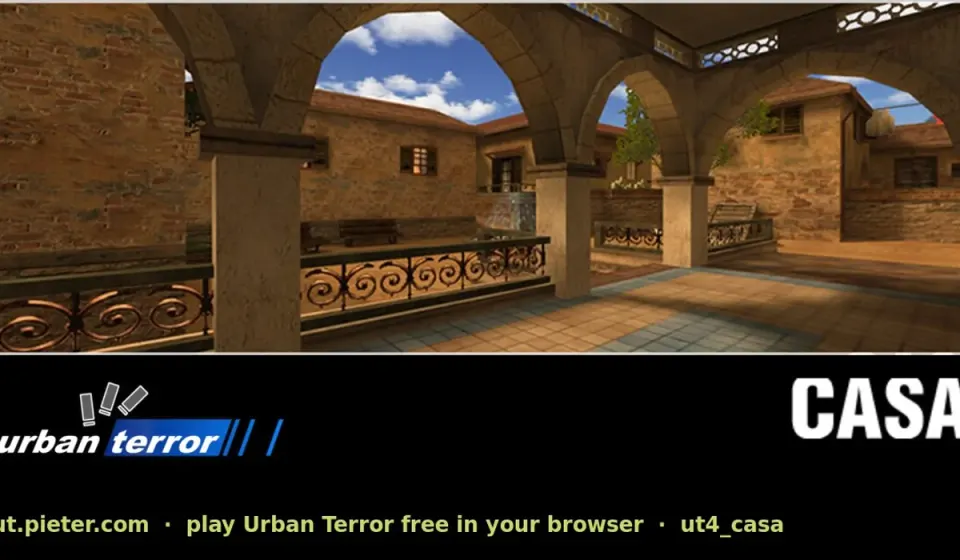
The listed destination opens Urban Terror rather than Unreal Tournament.
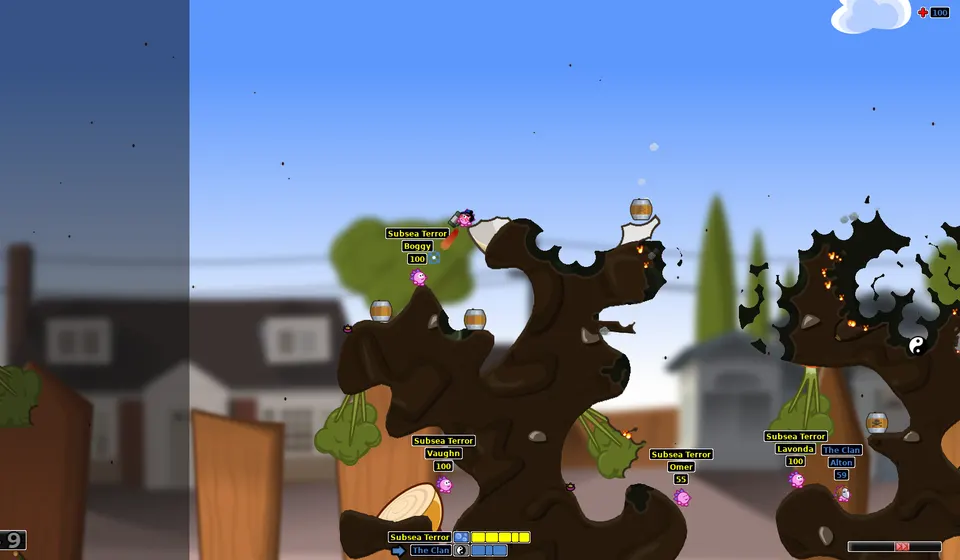
Hedgewars
Certificate warning reported
The link showed a certificate mismatch. Do not bypass browser warnings; the destination needs rechecking.
More GTA / Minecraft projects
No projects match that search. Try another name or category.
Only destinations that opened as the listed project in a browser check are linked here. Availability can change, and a “Files” badge means a project may need files from a game copy you own.
Three different ways to play.
Radiant Optimizer browser games cover movement, survival, and multiplayer. Choose based on what you want to do once a game opens.
Surfd: learn to hold your speed
Ride the side of a ramp, steer into the next one, and try to reach the finish without losing momentum. Surfd suits a session where you want to practise a movement and immediately try it again. There is no opponent to chase while you learn.
Release W on the ramp and hold A or D toward its face. Start with a smooth line; the timer becomes useful once you can finish the course.
Learn CS Surf controls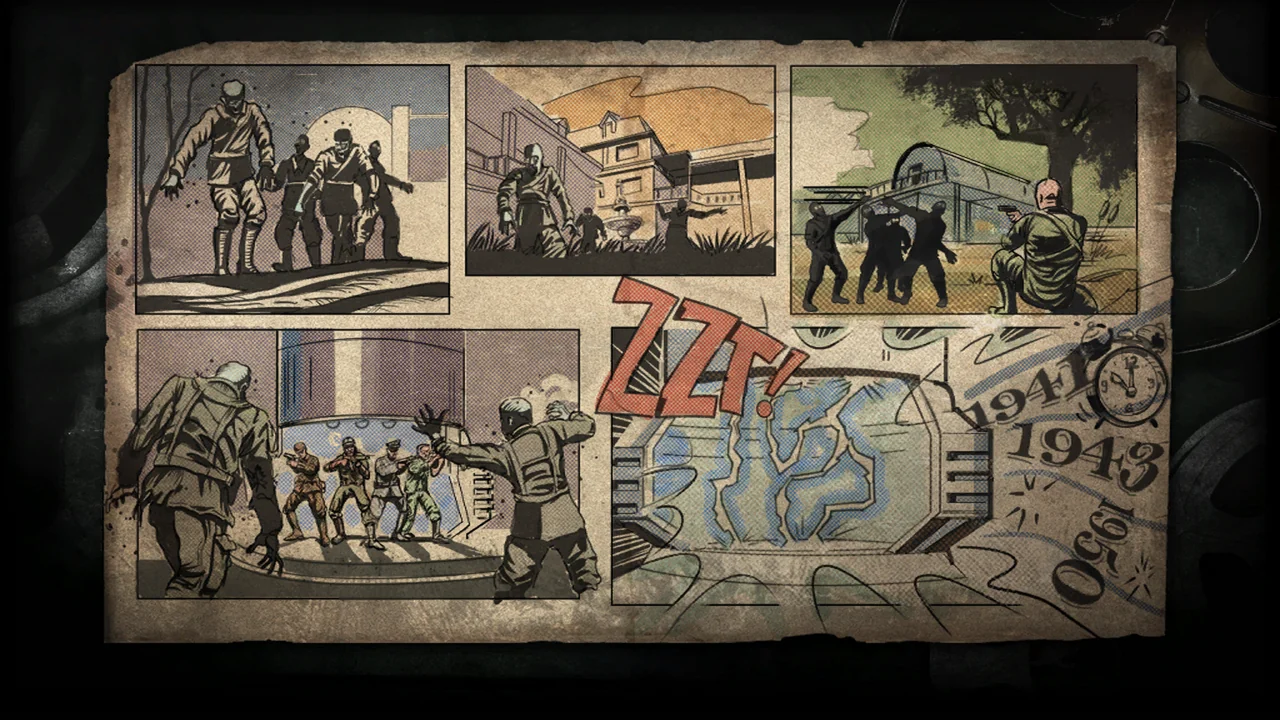
BO1 Zombies: return to Kino
Kino der Toten swaps the open ramps for a ruined theater and zombies closing in. Keep moving, watch your surroundings, and see how long you can survive. Choose this if you want a survival session rather than a timed course.
Allow more time for the first launch. BO1 Zombies downloads a large map pack before you can enter the theater, so keep its game page open until it asks you to start.
Play BO1 Zombies in your browser
QuakeWorld: take it to the arena
Choose QuakeWorld for fast movement and multiplayer combat. Enter a player name, join the arena, and get your bearings before chasing a score. Your connection and the players currently online shape the match.
This browser entry is Pieter’s QuakeWorld project. Come for multiplayer deathmatch; it is a different experience from playing through a Quake campaign.
Start a QuakeWorld matchA browser tab.
A keyboard and mouse.
Use a current desktop browser for the games in our player. On a phone, copy a game link and open it later on your computer.
Help with loading and controlsGive the first download time
Game data loads after you press Launch. Follow the progress inside the game, especially for BO1 Zombies. Reloading repeatedly can start that wait over again.
Click inside, then take control
Click the game window so movement keys reach the game. It may capture your mouse for aiming or steering. Press Esc when you want your pointer back.
Finish before switching
Changing games closes the current session. Finish your run or round first. If a game stays blank, open its project link before changing browser settings.
Radiant Optimizer on X
(Twitter): Game Sources
On October 8, 2026, Radiant Optimizer shared 25 project links in a post and reply on X. This directory preserves the game names from that reply and only links to destinations that matched the listed project in a browser check.
Each project is independently maintained. A browser check does not guarantee that a game will remain available or work on every device.
Before you jump in.
What are Radiant games?
“Radiant games” refers here to the browser games shared by the Radiant Optimizer account on X. The games come from separate creators. You do not need to install the Windows optimizer to open them, and Radiant Arcade is an independent collection.
How do I play Radiant Optimizer browser games?
Choose Surfd, BO1 Zombies, or QuakeWorld in the player above and press Launch. A card’s “Play” action opens a game here; “Open” follows its listed destination.
Does “browser game” mean no download?
No desktop installer is needed for the three games in our player, but your browser still downloads maps, textures, and other game data. BO1 Zombies has a particularly large first download. Setup varies across the other links, so check each creator’s instructions before opening them.
Can I play on my phone?
The collection is easy to browse on a phone, but these games are presented for keyboard and mouse. Touch play has not been verified here. Use Copy game link to continue on a desktop.
Can I play GTA 5 here?
No. There is no playable GTA V version on Radiant Arcade. For a game you can launch here, choose Surfd, BO1 Zombies, QuakeWorld, or the Quake 3 arena page instead.
Are these AI browser games?
Browser games can be made in different ways. Some are ports of older games; others are new projects. Being playable in a browser does not tell you whether AI was used. Check each creator’s own description for that information.
Will my progress be saved?
Saving depends on the game. Switching games or reloading closes the current session, so finish your run or round first. Avoid clearing browser storage while troubleshooting unless you are prepared to lose locally saved settings or progress.