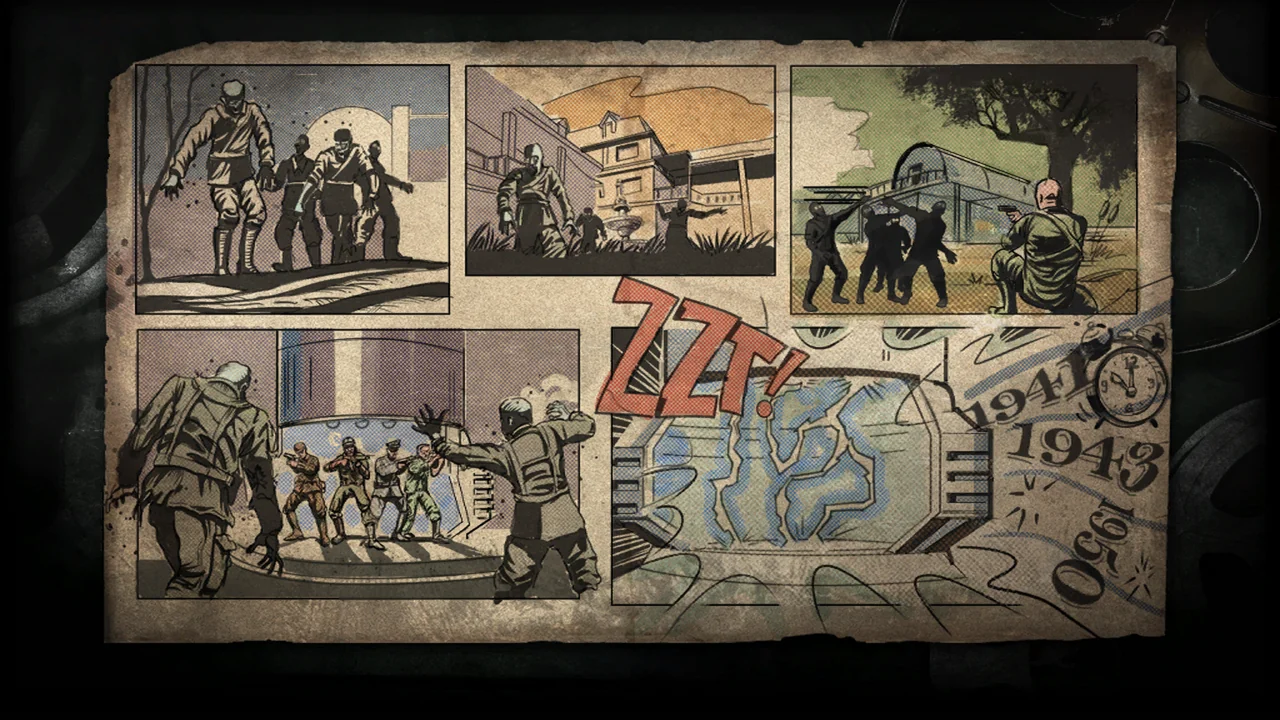
Start BO1 Zombies: Kino der Toten
Launch the game above and follow its download screen. When it says Click to Start, click inside the window to capture your mouse and enter Kino der Toten. The first launch downloads a large map pack and prepares graphics, so keep this page open.
This BO1 Zombies browser project comes from vel.gg/bo1z. For other maps, open the original project and check its current selection.
BO1 refers to the first Black Ops game. Black Ops 2 and NZ:P are separate games or projects, with different content and requirements.
Available Maps and Controls
A direct Kino der Toten entry is available at the original project. Map availability can change, so check the map selector before assuming every original BO1 map is included.
Use the game’s controls and Options menu to confirm current bindings, mouse sensitivity, volume, and fullscreen settings. Click the game window to give it focus. Press Esc if you need to release the pointer and return to the page.
BO1 Browser Requirements
Start on a desktop with a current browser and graphics acceleration enabled. Allow time for the map and other game resources to load. The original project displays its own resource progress; a menu appearing is not the same as a playable level being ready.
This BO1 browser version uses browser features that require a secure, isolated game window. Open it directly if it cannot start inside another page. A different tab or embedded frame can behave differently even on the same device.
BO1 Zombies Not Loading?
- Open the same map directly on vel.gg and compare the result.
- Read the game’s loading or error message. Keep the tab open while downloads are active.
- Close other heavy tabs, then try one reload. If the original also fails, the project or your browser may be the cause.
- For a black screen or missing mouse input, use the browser game troubleshooting steps.
Original BO1 Project: vel.gg/bo1z
This is an independent entry to the Black Ops Zombies browser project. It does not represent Activision, Treyarch, or the project’s maintainer, and it does not promise a complete retail edition. Follow the original project’s notices and terms when playing.